To view and modify Digital Factory variables, follow these steps:
-
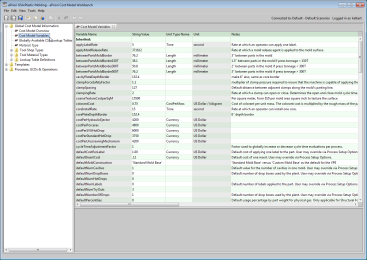
In the CMWB navigation pane, expand Global Cost Model Information, and double click Cost Model Variables. The Cost Model Variables table appears in the editing pane.

-
To modify a variable’s value, click in the String Value field and enter the new value.
To modify unit type, double-click in the Unit Type Name field and select a unit type from the dropdown menu. This may change the Unit field, which you cannot directly modify. -
To modify a variable’s description, click in the Notes field and enter a new value.
-
Select Save from the File menu, or click
 in the toolbar, to save your changes.
 -
To incorporate your changes into the cost model, select Publish Cost Model and Digital Factory from the File menu, or click
 in the toolbar.


Note: You cannot modify the Variable Name field.